


ai: why an ai email assistant matters for trading firms in 2025
Trading firms operate in a fast, noisy, and data-heavy environment, and AI now sits at the center of modern email workflows. AI helps teams sort priority messages, surface trade-moving alerts, and draft compliant replies, and it reduces clerical load so traders can focus on decisions. The market reflects that shift: the broader AI-powered email assistant market was valued at about USD 5.97 billion in 2023 and is projected to grow toward USD 7.5 billion by 2032 (market report). This growth matters for firms that need better inbox triage and faster response cycles.
Performance data reinforces adoption. AI tools can improve email handling efficiency by up to 40%, which shortens latency for trade confirmations and client replies (efficiency study). In practice, trading desks using AI report productivity gains near 25% in client and internal communication tasks (Brynjolfsson et al.). Therefore, firms cut missed messages, close trade windows faster, and reduce back-office errors. For these reasons, choosing the best AI approach to inbox automation and email management is now a strategic decision for trading operations.
Vendors to consider include enterprise LLM-based copilots and specialist tools. Examples are ChatGPT Enterprise, Google Gemini, Microsoft Copilot, Anthropic Claude, and niche options like Trade Ideas when signal integration is required. Each has different strengths in latency, security, and integration. For ops teams that need no-code connectors into ERP and TMS, virtualworkforce.ai provides a purpose-built option for logistics and trade-related email drafting. If you want a practical comparison, read about our virtual assistant for logistics to see how deep data fusion and thread-aware memory speed replies and save time (virtual assistant logistics).
For 2025, the key point is simple: AI is not optional. Firms that adopt AI for email tasks reduce missed critical emails, tighten audit trails, and free staff to spend more time on market strategy. As you evaluate the right mix of AI capabilities, prioritize security, compliance, and integration depth so your inbox becomes a source of operational advantage rather than a bottleneck.

inbox and email management: ai-powered features traders need
In fast markets, inbox features decide whether a firm wins or loses minutes. AI-powered inbox tools must prioritize critical messages, and they must surface trade confirmations, client exceptions, and regulatory notices at the top of your queue. Key features include priority sorting that learns from sender, subject, and content patterns, smart summarisation that converts long reports into action points, and real-time alerts for market-moving language. These features reduce time spent scanning and help traders act on signals quickly.
Searchable email history and audit trails are also essential. Traders often need to reconstruct a conversation, and an AI-powered search that indexes attachments and thread context speeds that work. Compliance requires secure archiving and regulatory search functions that meet SEC, FINRA, and GDPR standards. Therefore, choose tools that provide role-based access, immutable audit logs, and redaction controls for sensitive fields. virtualworkforce.ai’s thread-aware memory and audit logs show one practical path for teams that need grounded answers from ERP and TMS systems while retaining compliance traces (automated logistics correspondence).
Integration matters. Link an inbox to the trade desk, the CRM, and position management so every incoming emails maps to a client, a position, or a shipment. That integration enables features like tagging for trades and clients, automated filing into relevant systems, and an email composer that can cite the source of facts. For example, an AI assistant that can read ERP fields will produce reply drafts that reference order numbers, ETAs, and inventory levels. This reduces copy-paste errors and supports consistent client-facing messaging.
Practical inbox management tips include setting filters for counterparties, using smart tags for priority trades, and training the assistant on anonymised historical threads so it learns your naming, tone, and escalation paths. For teams using Gmail or Outlook, integrate connectors to maintain a single source of truth across email accounts and your internal tools. If you need a focused playbook for logistics-style email drafting in trading contexts, our guide on logistics email drafting AI offers templates and rollout advice (logistics email drafting).
Drowning in emails?
Here’s your way out
Save hours every day as AI Agents label and draft emails directly in Outlook or Gmail, giving your team more time to focus on high-value work.
automation and workflow: use template, ai automation and draft to speed responses
Automation reduces latency and errors by removing repetitive steps and standardising replies. Create a template library for confirmations, fee reconciliations, and client updates. Then configure AI automation to route messages, set followup windows, and manage the entire thread lifecycle. Reusable templates paired with an AI draft engine speed responses and ensure consistency across client touchpoints. This approach reduces manual variability and keeps your front office focused on exceptions.
Automation features should include scheduled follow-ups, conditional routing to subject matter experts, and automatic updates to systems. For example, when an incoming emails contains an order change, the assistant can flag the operations team, create a ticket, and generate a draft reply that cites the order ID. That flow reduces manual handoffs and cuts handling time. Teams that adopt this design typically see measurable productivity improvements, and they save time on high-volume repetitive email tasks.
Draft quality matters. Use AI to draft replies that match firm tone and regulatory rules, and ensure every template is compliance-safe. Keep a human-in-the-loop for exceptions and high-risk replies, and log template changes to support audits. A quick checklist: create compliance-approved templates, set automated followup intervals, and require manual sign-off for certain critical emails. These measures protect against incorrect ai-generated responses and reduce the chance of regulatory exposure.
Implementation benefits are quantifiable. Firms often reduce average handling time per message, and they improve consistency for client communications. For teams that manage logistics and trade emails, consider our guide on automated logistics correspondence to see how templates and AI automation pair with ERP integration to cut reply time and increase SLA adherence (automated logistics correspondence). Finally, include gangway rules: keep the assistant’s tone configurable, and record why a template was chosen for audit clarity.
best ai email assistant and best ai: choosing the right ai email assistant for security, compliance and real-time
Selecting the right solution requires a clear set of criteria. Rank vendors on security, compliance tooling, integration depth, latency for real-time alerts, and model governance. Security checks include encryption in transit and at rest, data residency guarantees, role-based access, and third-party certifications. Compliance tools must offer monitoring, searchable audit logs, redaction controls, and retention policies that match regulators’ expectations.
When comparing vendors, enterprise LLM providers like ChatGPT Enterprise, Google Gemini, and Microsoft Copilot give flexibility and scale. Anthropic Claude appeals to firms focused on safer reply generation. Specialist options such as Trade Ideas or logistics-first platforms offer trading signal integration and domain-specific workflows. For teams that value no-code rollout and deep connectors into ERP/TMS/WMS, virtualworkforce.ai combines thread-aware email memory with per-mailbox guardrails so replies are grounded in operational facts. See our comparison on best tools for logistics communication to understand trade-offs when integrating email agents into ops stacks (best tools for logistics communication).
Real-time performance matters in trading. Measure end-to-end latency from message receipt to alert delivery and to draft availability. For critical emails, such as trade confirmations or margin calls, the assistant must surface the email at the top of your inbox and push a real-time alert to traders. Also consider language models and model governance: track which ai model generated a reply, keep versions recorded, and ensure you can reproduce outputs for audits.
Practical ranking approach: score candidates on security (0–10), compliance (0–10), integration (0–10), and real-time performance (0–10). Use pilot results to validate scores. Remember that the right ai email assistant for one team might not fit another. Choose the option that matches your regulatory regime, your integration needs, and your tolerance for ai-generated drafts. If you want a focused playbook on scaling without hiring, our guidance on how to scale logistics operations with AI agents gives a tested rollout sequence (how to scale logistics operations with AI agents).
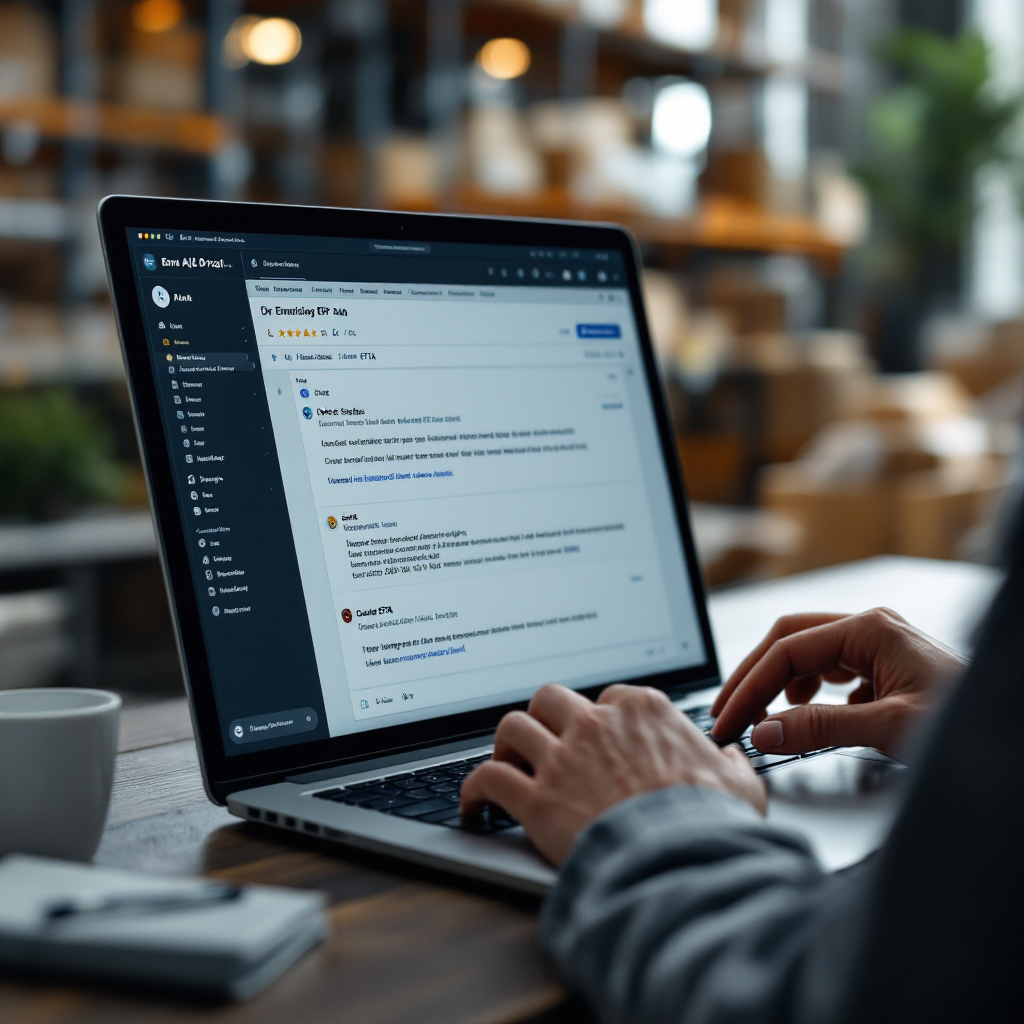
Drowning in emails?
Here’s your way out
Save hours every day as AI Agents label and draft emails directly in Outlook or Gmail, giving your team more time to focus on high-value work.
improve communication and productivity: followup, email with ai and email history use cases
Practical use cases show how AI improves communication and productivity in trading teams. For followup workflows, configure the assistant to create reminders and to auto-draft follow-up emails when a counterparty does not confirm. That reduces missed SLAs and prevents settlements from slipping. For attachments, use AI to summarise long research notes or P&L reports so traders get action points without reading the full file. These summaries free cognitive capacity and raise productivity across the desk.
AI can also extract trade-relevant data from emails and update dashboards automatically. For instance, an assistant can parse execution reports to populate a client-status dashboard. That reduces manual rekeying and supports clearer audit trails. Teams that train an assistant on anonymised email history see faster first-pass accuracy and fewer misguided email replies. Use the email history to create templates that reflect best practices and to teach the assistant preferred phrasing and escalation paths.
Other use cases include automatic tagging of counterparties, building reports of open actions from an entire email thread, and producing compliance-ready summaries for auditors. Metrics to measure include average response time, percentage of missed actions, and template adoption rates. Before deployment, set baseline KPIs so you can quantify gains. For logistics-adjacent operations, our guide on ai-for-freight-forwarder-communication offers examples of dashboards and extraction patterns that apply to trading communications (AI for freight forwarder communication).
Best practices: train on anonymised data, require human review for critical emails, and maintain a template library for standard replies. Also track which sender or client patterns trigger escalations, and map those to service-level targets. With consistent monitoring and iterative improvement, teams convert repetitive email tasks into measurable productivity gains and better client experiences. By using AI to help standardise tone and fact citation, teams write better and reduce follow-up cycles.
advanced ai-powered email: how to use ai to automate, implement and pick the right ai email assistant
An implementation roadmap prevents rushed rollouts and unmanaged risk. Start with a focused pilot on a single business unit or mailbox. Test with realistic trade scenarios, and validate compliance scanning, redaction, and retention. Next, expand templates and automations, and integrate the assistant with core systems. Throughout, keep human review for high-risk replies and require audits for every version of an ai model used in production.
Risk controls are critical. Implement data governance, model explainability logs, and retention policies. Ensure that the assistant records why a template was chosen and what data sources were cited. Use role-based controls to limit who can deploy new email templates, and maintain a review cadence for changes. For teams that need no-code control, virtualworkforce.ai provides user-controlled behavior settings so business users configure tone, escalation paths, and what systems the assistant may query. That approach reduces IT dependence and speeds rollout while preserving governance.
Deployment steps: pilot on one mailbox, validate with compliance, roll out templates, connect ERP/TMS/WMS sources, and monitor KPIs. Include a human-in-the-loop for critical emails and create a watchlist for unusual sender patterns. Use monitoring to measure response time improvements, and compare to baseline metrics such as average handling time. If you want guidance on scaling operations without hiring, our how-to guide provides a stepwise plan and estimated ROI assumptions (how to scale logistics operations without hiring).
Finally, when choosing the right ai email assistant, verify security certifications, request a free plan or trial where available, and run realistic tests that include busy trading days. Keep templates current, log every change, and set a cadence for review. With a controlled, metrics-driven rollout you will convert email from a cost center into an operational advantage, and you will have confidence in the assistant’s outputs and controls.
FAQ
What is an AI email assistant and how does it help trading firms?
An AI email assistant is software that uses AI to sort, prioritise, summarise, and draft replies for email. It helps trading firms by reducing the time spent on repetitive email tasks and by highlighting critical messages so traders act faster and with fewer errors.
Which vendors should trading firms evaluate first?
Evaluate enterprise LLM providers like ChatGPT Enterprise, Google Gemini, and Microsoft Copilot, and also consider safety-focused models like Anthropic Claude and specialist platforms such as Trade Ideas. Match vendor strengths to your needs for security, compliance, and real-time alerts.
How much efficiency improvement can firms expect?
Studies show that AI-assisted email handling can improve efficiency by up to 40% (source), and firms report productivity gains near 25% in communication-related tasks (research). Results vary by workflow and integration depth.
What inbox features are essential for traders?
Priority sorting, smart summarisation, searchable email history, audit trails, and real-time alerts are essential. Also, integration to ERP, CRM, and trading platforms helps map emails to positions and clients so the assistant produces grounded replies.
Can an assistant handle compliance requirements?
Yes, but only if it includes secure archiving, role-based access, redaction, and searchable audit logs. Ensure the vendor supports retention policies that meet your regulators and that every ai-generated draft is traceable.
How should firms pilot an AI email assistant?
Pilot on a single mailbox with realistic trade scenarios, measure baseline KPIs, validate compliance scans, and iterate templates. Expand gradually after the pilot passes security and accuracy thresholds.
How does AI help with followups and thread management?
AI can schedule followup reminders, auto-draft follow-up emails, and compile open actions from an entire email thread. That prevents missed SLAs and keeps communication consistent across teams.
What are the risks of using ai-generated email replies?
Risks include incorrect facts, non-compliant language, and data leakage. Mitigate these risks with human review for critical replies, template controls, and strict data governance.
How do I measure success after deployment?
Track metrics such as average response time, handling time per message, missed SLAs, and template adoption rates. Compare these KPIs to your baseline to quantify ROI and improvements in productivity.
Where can I learn more about logistics-style email drafting and connectors?
For detailed playbooks and connector examples, see resources on virtualworkforce.ai about logistics email drafting and automated correspondence. These pages explain how to ground replies in ERP/TMS/WMS data and how to speed replies while keeping compliance intact (logistics email drafting, automated logistics correspondence).
Drowning in emails?
Here’s your way out
Save hours every day as AI Agents label and draft emails directly in Outlook or Gmail, giving your team more time to focus on high-value work.