


AI for higher education: how an AI email assistant and virtual assistant can reduce inbox overload and improve student engagement
Universities face heavy email traffic. Students can receive 50–100 messages per week, with one study finding an average of 57.1 emails per week. This volume creates fatigue. As a result, staff report low open rates and students ignore important deadlines. An AI email assistant for universities can help. It can triage, prioritise and surface only relevant messages. It can also route complex cases to advisers. For example, a virtual assistant for operations can label messages by intent and urgency so teams act faster. See how a virtual assistant for operations works in practice at our resource on virtual assistant for operations.
Key facts show impact. Institutions using targeted AI report open rates rising by 20–25%. Likewise, filtering and summarisation reduce irrelevant mail by about 15%. Staff save time. Studies report an average of 2–3 hours per week saved after AI adoption. Therefore, teams can shift effort from routine replies to personalised advising.
Typical student pain points include missed deadline notices, buried financial aid updates, and confusing subject lines. Typical staff pain points include shared inboxes with unclear ownership, lost context, and rising staff workload. An AI email assistant and an AI assistant that drafts replies can reduce these frictions. It can detect queries about financial aid, enrolment, or assessment, then assign them correctly. In short, the tool helps reduce unread emails and speeds first response. For universities using Google Workspace, integration links work smoothly and scale. Learn how to integrate Google Workspace with AI in an example of automated email integration at Google Workspace integration with virtualworkforce.ai.
Outcomes to measure include reduced unread mail, faster first response times, and clearer routing to student support. Also, teams should track whether the assistant helps keep students on track with assignments and onboarding. Finally, run short pilots. Then iterate. This approach helps improve student engagement and supports student success while keeping every email relevant.
AI-powered automation and workflow: integrate generative AI to automate email management and personalise responses
Generative AI can automate repetitive email work while keeping tone consistent. First, the system reads incoming messages, then it suggests a draft. Next, staff review or send the draft. This automation saves time. Research shows teams see around 10–15% of weekly administrative time returned when they use AI tools, and overall communication efficiency can climb by up to 30%. Also, an ai tool can classify messages into categories such as enrolment, exams, or campus services.

Template generation helps staff maintain clarity. The system creates editable templates for common replies. For example, one template covers appointment scheduling, another explains enrollment steps. AI can insert student-specific details from a knowledge base or student records. Smart tagging and prioritisation flags urgent items like scholarship appeals or missed payments. Rules to automate routine enquiries handle tasks such as password reset steps and course onboarding messages. Staff keep control through human-in-loop editing for sensitive cases.
Use automation rules to route queries to the right support team, avoiding repeated forwarding and lost context. An AI-powered system often uses natural language techniques to parse intent and extract entities. It can schedule follow-ups and set reminders for looming deadline notices. However, teams must set clear boundaries. Automated replies should mark drafts as editable, and staff must verify replies that include sensitive student information. Our platform, virtualworkforce.ai, automates the entire lifecycle of operational email and grounds drafts in ERP or campus data so replies stay accurate and traceable.
Practical notes: keep a human review step for high-risk cases, limit full automation to low-risk routine enquiries, and log every action for audit trails. By doing this, institutions can achieve inbox zero faster for high-priority threads while still offering personalised, accurate answers.
Drowning in emails?
Here’s your way out
Save hours every day as AI Agents label and draft emails directly in Outlook or Gmail, giving your team more time to focus on high-value work.
Enterprise-grade integration: integrate AI tools with Google Workspace and university systems for secure, scalable student and faculty support
Secure integration matters. Many higher ed institutions use Google Workspace or Microsoft 365. An enterprise-grade deployment must respect data privacy and compliance rules like FERPA and GDPR. For example, systems should prevent data privacy breaches and ensure that Workspace data is not used to train AI models without consent. Vendors should provide encryption, audit logs and role-based access. The deployment must also support single sign-on and API hooks to CRM and student information systems.
Technical components include SSO, tenant isolation, and logging. Integration with campus systems such as student records, learning management, and financial systems lets the assistant ground replies in authoritative data. That reduces errors and speeds resolution. For operational teams, an end-to-end solution can push structured data back into an ERP or CRM. If you want to see a similar approach applied to logistics email workflows and Google Workspace, review our guide on Google Workspace integration with virtualworkforce.ai. Additionally, teams scaling automation can study how to scale operations without hiring at scale operations without hiring.
Risk control is critical. Define data governance policies, restrict access to sensitive student information, and choose approved cloud options or on-premise setups. Monitor audit trails and keep an escalation path to human advisers. Also, include contractual clauses that prohibit vendors from using institutional data to train third-party ai models. Regular security reviews keep the deployment compliant.
Finally, plan for change management. Train staff on the new integration points. Provide clear guidance on who owns drafts and how the system handles notifications. A secure, auditable integration ensures faster first responses, consistent replies and higher student trust in email support.
Empower students and improve student support with conversational AI that personalise outreach
Conversational AI can empower students by providing quick, accurate answers and by personalising outreach. When systems use context from enrolment status or recent inboxes, they can triage questions about modules, assessments, and financial aid. Personalised messages increase relevance and student engagement. For example, a student missing an assignment gets a targeted notification that explains next steps. The assistant can also offer instant answers for common student questions and then escalate complex cases to advisers.
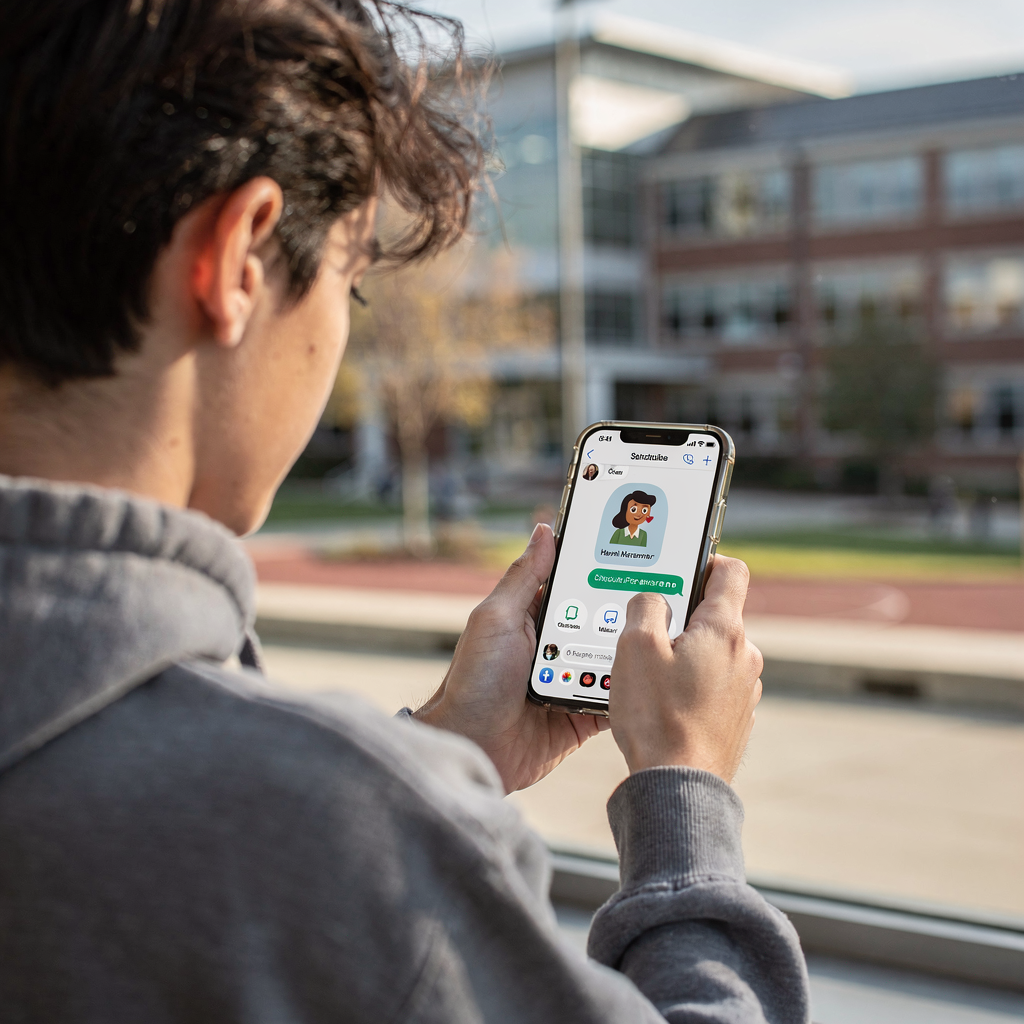
Design personalisation rules to respect privacy and consent. Use conversational flows for FAQs, appointment booking, and simple administrative tasks. For routine questions, a chatbot can provide accurate answers quickly. If the AI detects risk—such as urgent welfare issues—it escalates to human support with full context attached. This approach helps students stay on track with registration and deadlines, and it reduces repetitive queries for staff.
Accessibility matters. Build flows with plain language and inclusive tone. Support multiple channels so students can pick email, chat, or SMS. Track success metrics like response accuracy, time-to-resolution, and student satisfaction. Use A/B testing on subject lines and tone to improve open rates and engagement. Conversational AI should integrate with your knowledge base and student information systems so answers remain grounded and current.
Use conversational tools sparingly for sensitive topics. Ensure staff review and own escalated cases. When you combine conversational AI with human oversight, you both empower students and protect privacy. This balance also helps improve student outcomes and supports long-term student success.
Drowning in emails?
Here’s your way out
Save hours every day as AI Agents label and draft emails directly in Outlook or Gmail, giving your team more time to focus on high-value work.
Email assistant performance: measurable gains from email with AI — email management, reporting and continuous improvement
Measure performance from the start. Run a baseline, then track open rates, reply time, and resolution time. Institutions report open rates improving by 20–25% after targeted deployment. Similarly, research shows efficiency gains up to 30% when teams use AI to prioritise and route messages. Track staff hours saved and the reduction in total email volume. Use dashboards to show KPIs and trends.
Dashboards should include unread emails, first response time, and closed inquiries per day. Run A/B tests on subject lines and message tone to find what works. Monitor error rates and false-positive filters so important messages do not get hidden. Also, set up error tracking where the system flags incorrect automated replies for rapid correction.
Operationally, run a pilot and collect baseline metrics for at least four weeks. Then iterate monthly. Use continuous improvement loops. For example, if the assistant misclassifies financial aid messages, add new training examples to the knowledge base. Also, consider automated reporting that alerts managers when escalation queues grow. Our operational experience shows that automating the whole email lifecycle can reduce handling time significantly and improve consistency.
Finally, incorporate user feedback. Ask students and staff to rate responses. Combine quantitative metrics with qualitative feedback. This approach helps you tune the AI and maintain trust. If you want an example of how AI helps drafting and consistent replies in operations, see a practical use case for logistics email drafting at logistics email drafting with AI.
Frequently asked questions and best AI practices for the education sector: governance, privacy and how to choose the best AI
Governance and privacy must lead the rollout. Create policies on data use, ownership of drafts, and opt-out options. Choose vendors that provide audit logs, encryption, and human review. A checklist should include vendor security certification, transparency about model training, and a plan for handling sensitive student information.
To select the best solution, weigh cost versus benefits, integration effort, and enterprise-grade support. Pilot small. Then expand in phases. Train staff and update your knowledge base to reduce mistakes. Finally, ensure you keep an accessible escalation path for students who need human help.
FAQ
What is an AI email assistant and how does it help universities?
An AI email assistant reads and classifies incoming messages, drafts replies, and routes requests. It helps teams reduce repetitive work and improves response time, freeing staff to focus on higher-value student support.
How much time can staff save with an AI email assistant?
Studies show staff save about 2–3 hours per week on email tasks after adopting AI tools. Savings vary by university, but time savings allow advisers to handle more complex student needs.
Will the AI handle sensitive student information securely?
Secure deployments use encryption, role-based access and audit logs to protect sensitive student information. Institutions must set governance rules and contract terms that forbid vendors from using data to train third-party models.
Can AI personalise messages to improve student engagement?
Yes. AI can personalise outreach using context from student records and recent interactions. Personalised messages often increase relevance and open rates, which can improve student engagement and outcomes.
How do we ensure accuracy in automated replies?
Keep human-in-loop review for high-risk or complex replies and maintain a knowledge base to ground responses. Monitor error tracking and reroute misclassified messages to human advisers quickly.
What metrics should we track during a pilot?
Track open rates, first response time, resolution time, unread emails and staff hours saved. Combine these KPIs with student satisfaction scores to judge success.
How does integration with Google Workspace or Microsoft 365 work?
Integration uses API hooks, single sign-on and secure connectors to access calendars and mailboxes. It also links to campus systems so the assistant can ground replies in authoritative data.
Can students opt out of AI-managed replies?
Yes. Provide opt-out options and clear consent notices. Allow students to request human-only support for sensitive topics and preserve transparency about how AI assists with email content.
How do we choose the best AI vendor for higher education?
Choose a vendor with enterprise-grade security, auditability, transparent model usage and human review workflows. Also confirm the vendor can integrate with your campus systems and support data governance requirements.
What is the recommended rollout roadmap?
Pilot with a single unit, collect baseline metrics, then iterate monthly. Expand coverage in phases and train staff on new workflows. This staged approach reduces risk and builds user trust.
Drowning in emails?
Here’s your way out
Save hours every day as AI Agents label and draft emails directly in Outlook or Gmail, giving your team more time to focus on high-value work.